
Setting up your Agency (Administrators)
This article will cover how to set up your Agency on Nurture for the first time. As an Administrator, you have the highest level of capabilities in your agency.
Setting up your Agency
Your Agency will first be created by our internal team at Nurture.
After it's been created, you will receive an invite to Nurture. For steps on how to set up your account, please check out this article.
Once your Administrator account has been set up, log in and head over to the Agency Page.
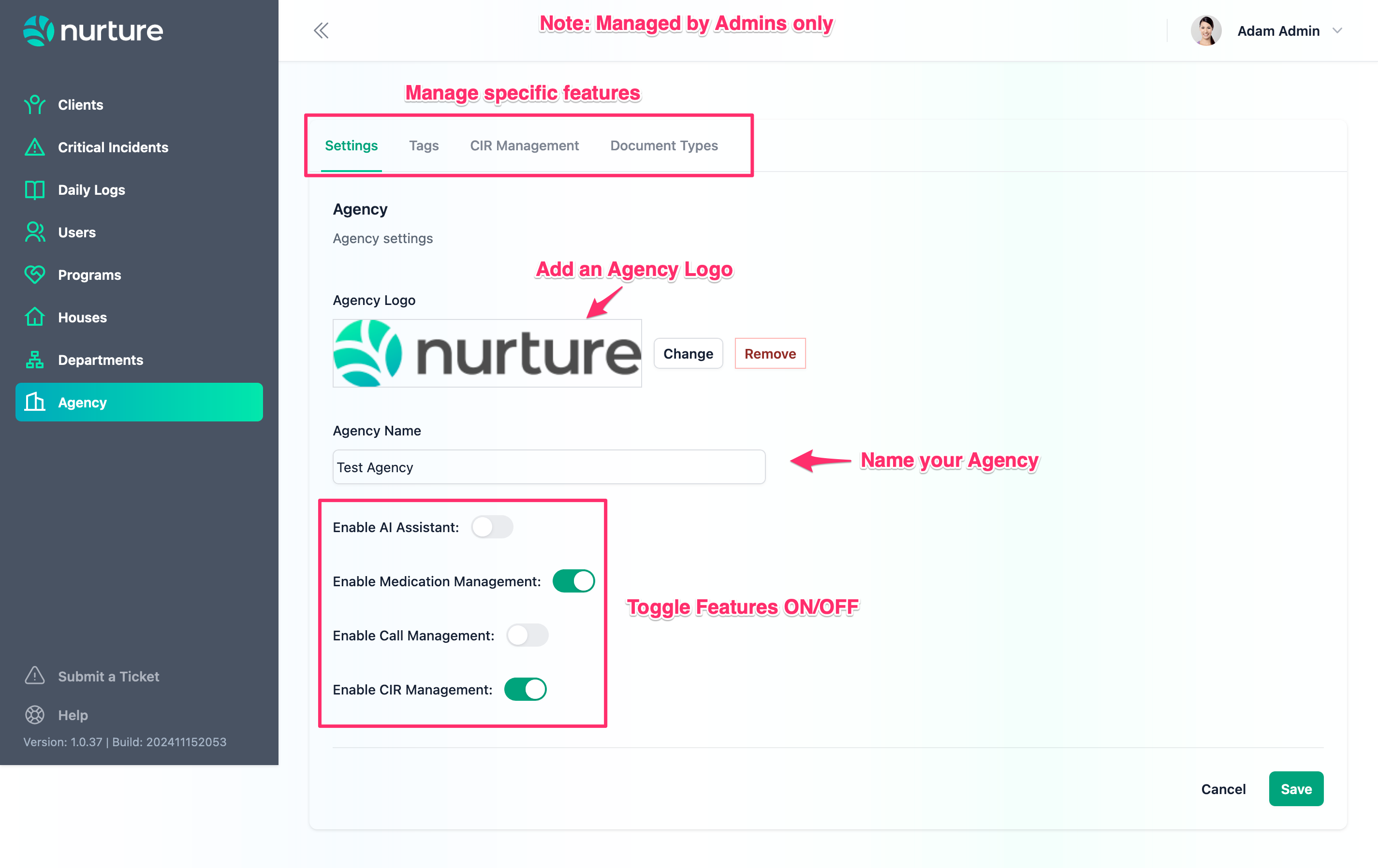
From here, you can add your Agency's logo, set the name, and enable or disable various features for your users to use. Don't forget to click save when done!
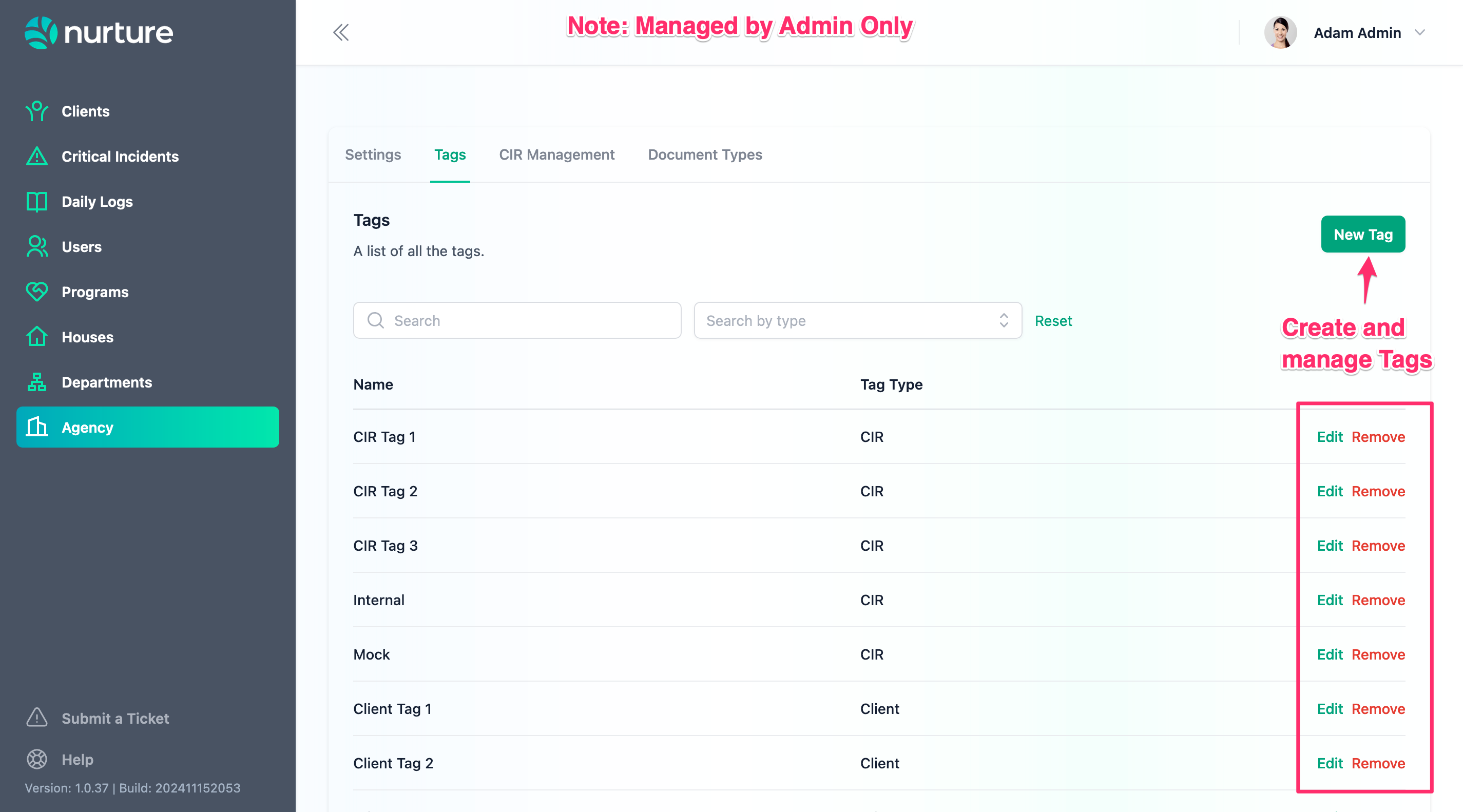
Under Tags, you have the ability to create and manage Tag types in your agency. Tags are useful pieces of categorization that can be applied to:
Clients,
Users,
Documents,
Daily Logs, and
Critical Incidents
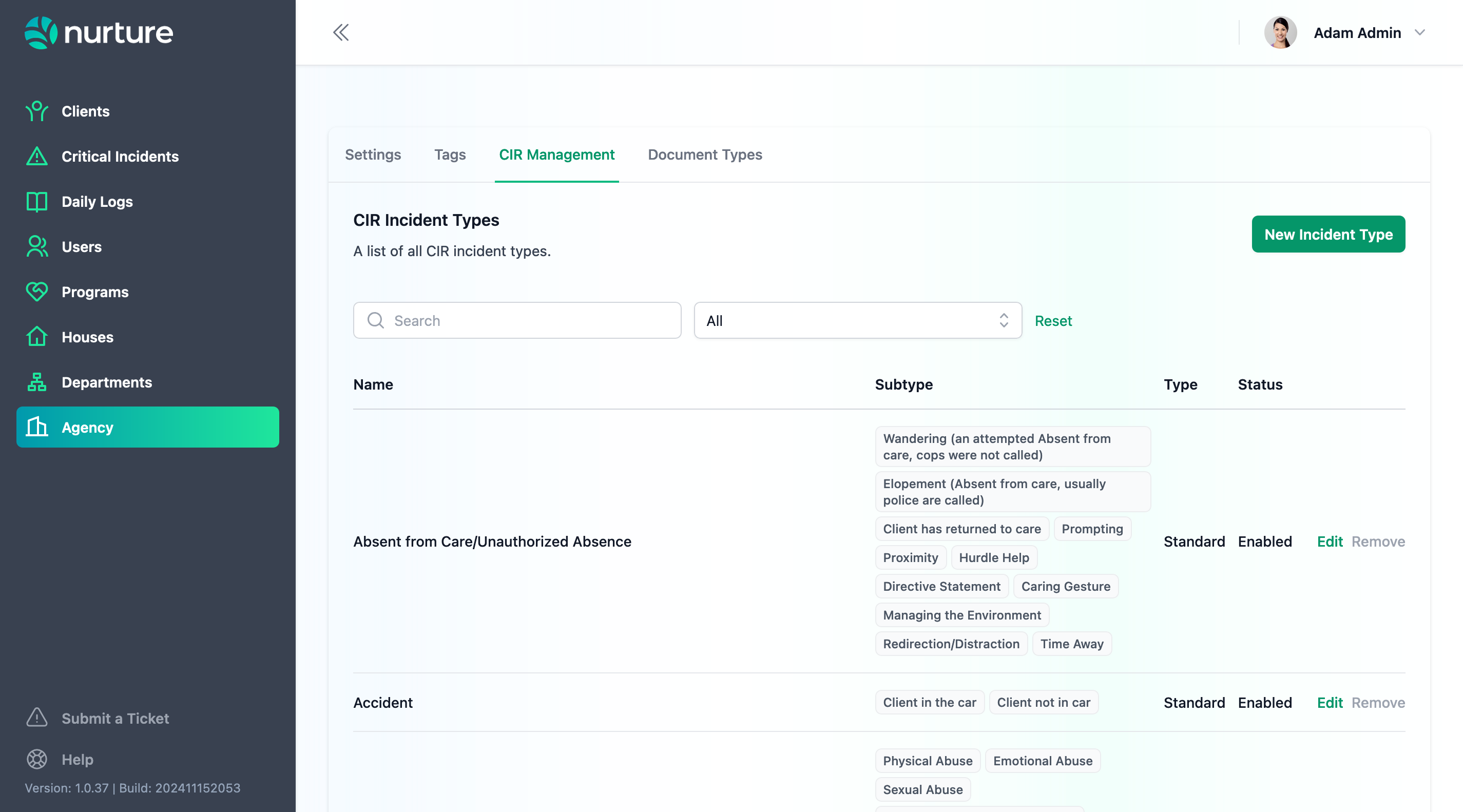
In CIR Management, you have the ability to manage and create new Custom Incident Types for internal reporting.
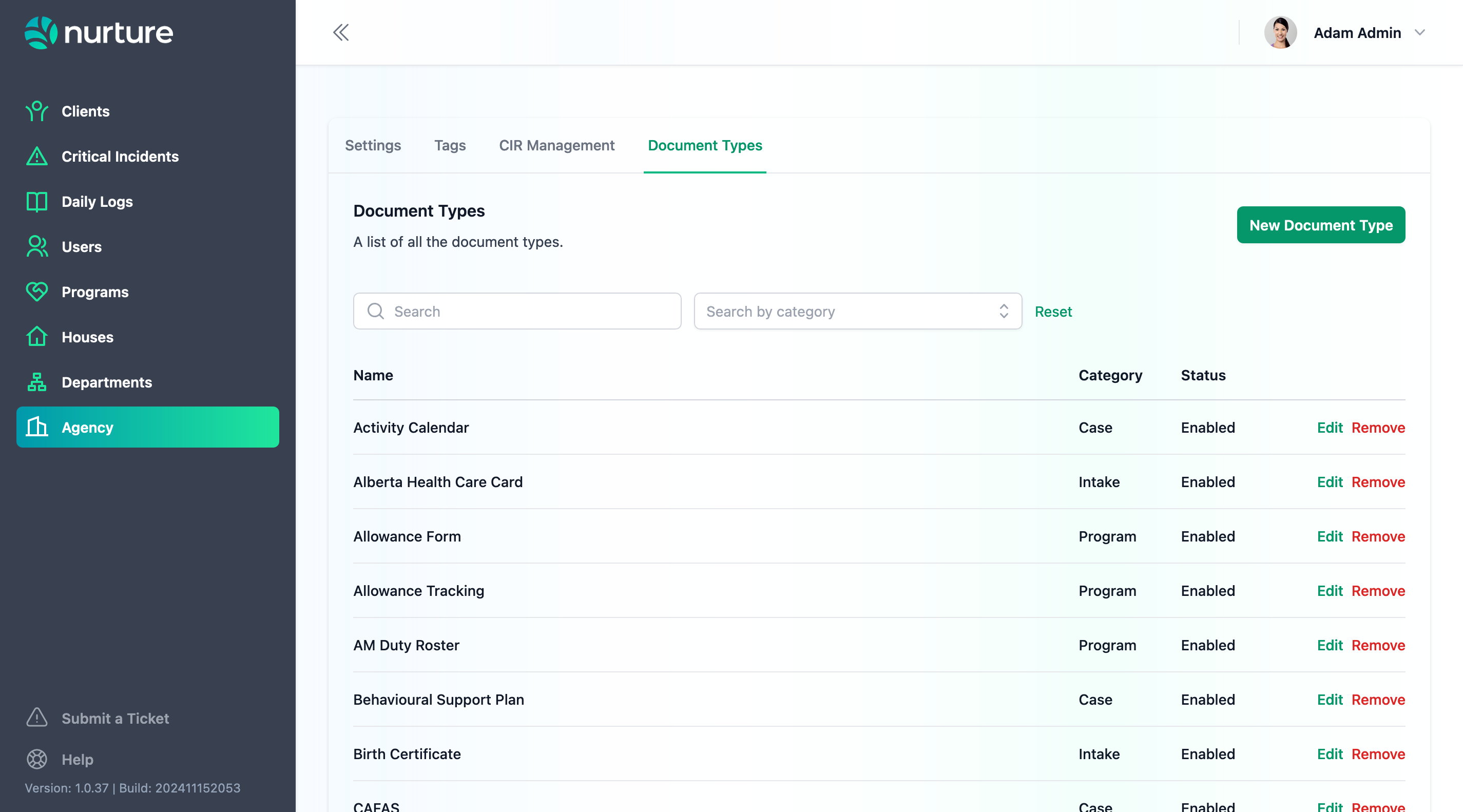
In Document Types, you can create new Types or Labels to use for an uploaded file. You can also assign a Category to a Type, including:
Case
Facility
Intake
Program
Setting up your Departments
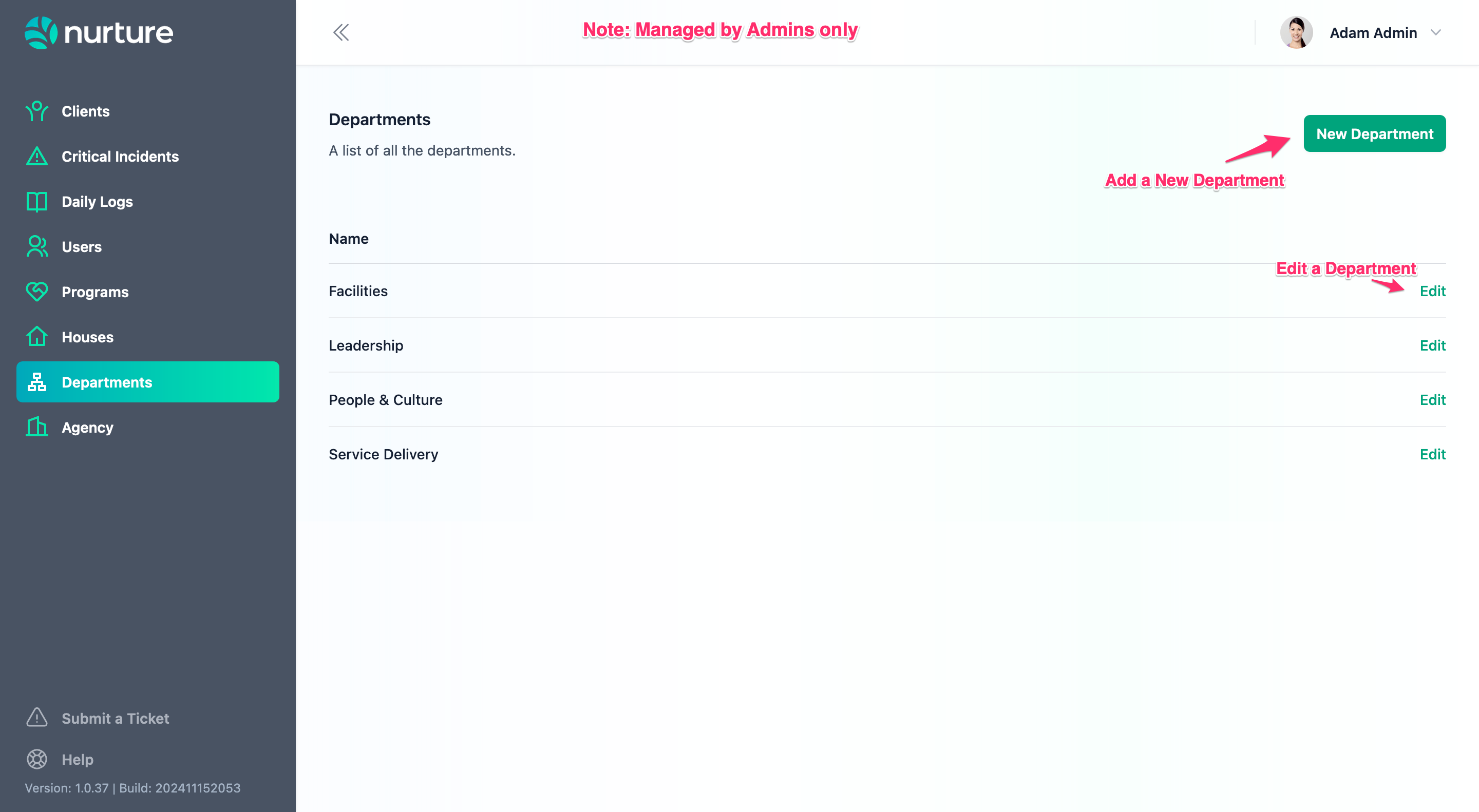
Before moving on, you'll want to start by identifying the organizational structure of your Agency. This includes creating and defining Departments.
Setting up your Users
Certain users with specific roles will show up as required fields. For example, creating a Program on Nurture requires a Program Manager user. Ensure you have users with the following roles:
Admin
Program Manager
Supervisor
Child and Youth Care Worker or Foster Caregiver
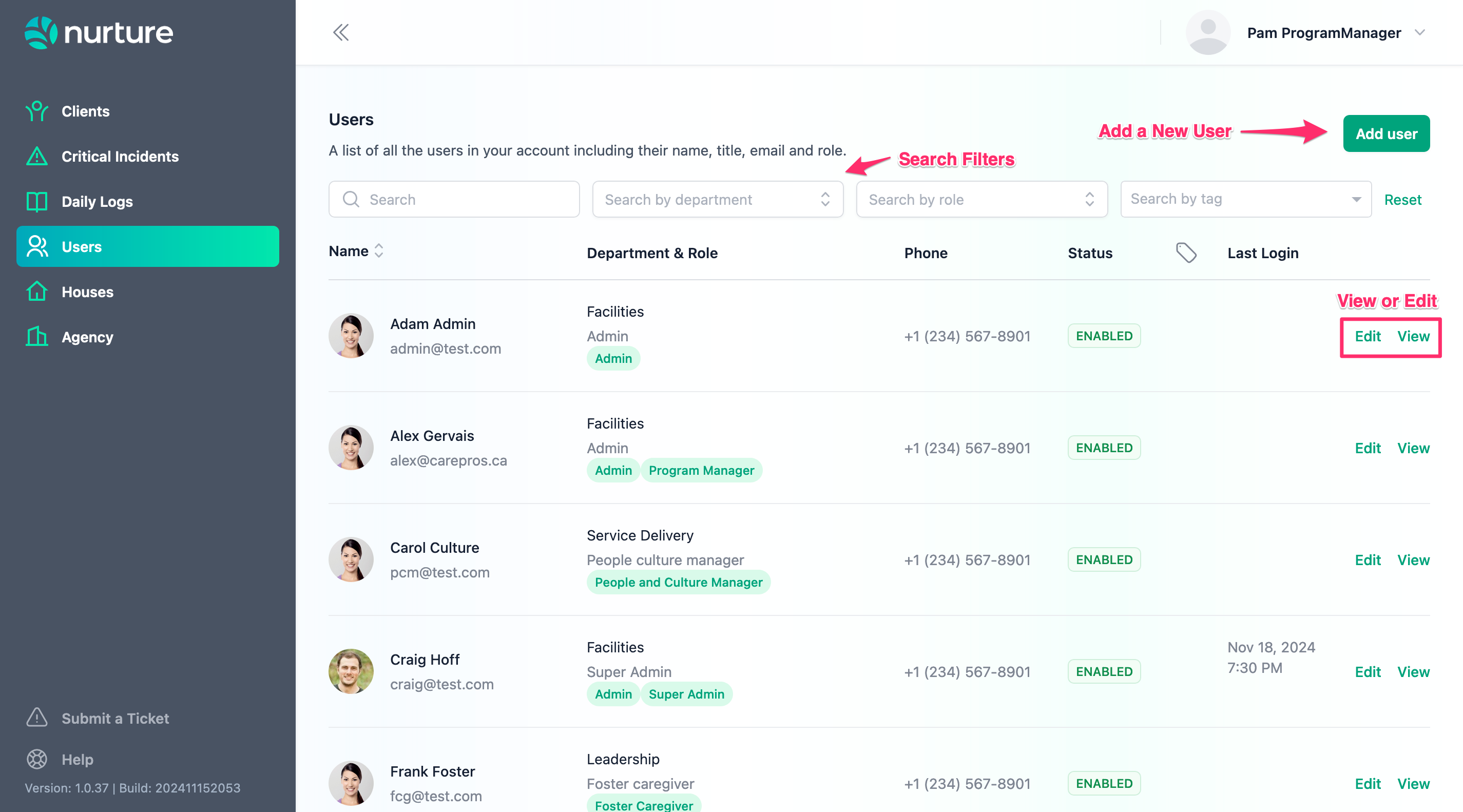
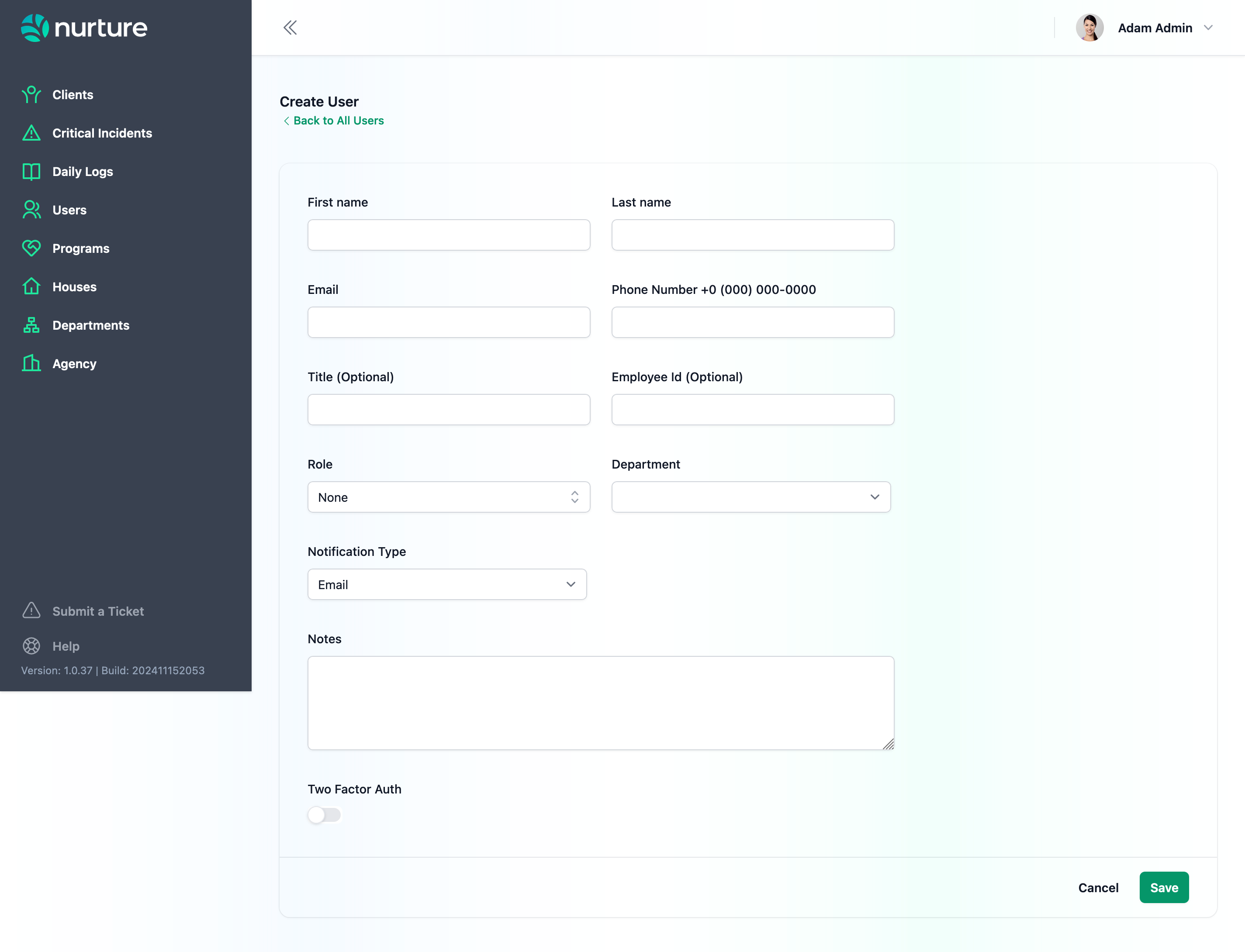
To create a user, you will need their name, email, phone, role, and department.
Setting up your Houses
Next, start creating all the Houses or Facilities your agency has. When you create a Client, you can start assigning them a House.
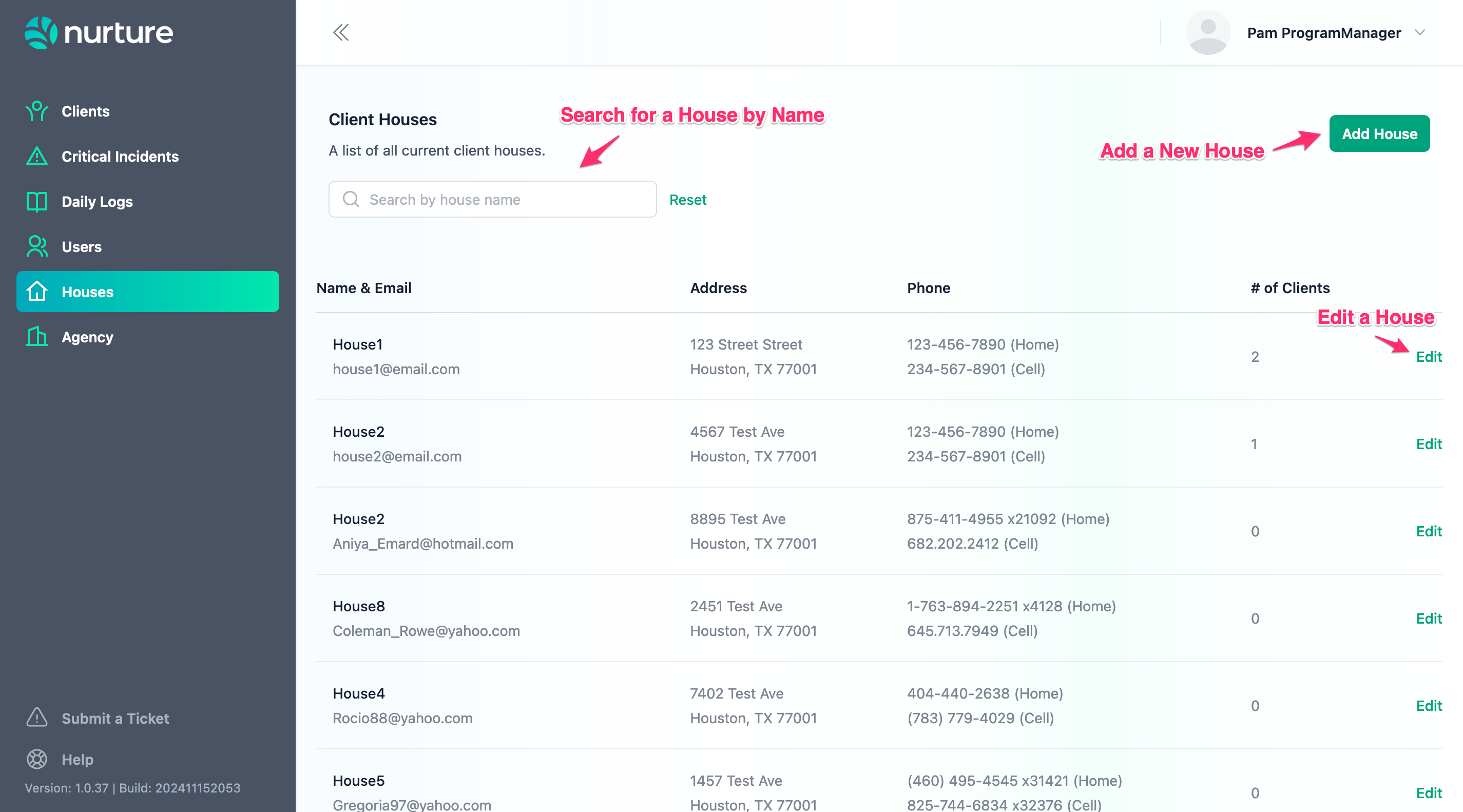
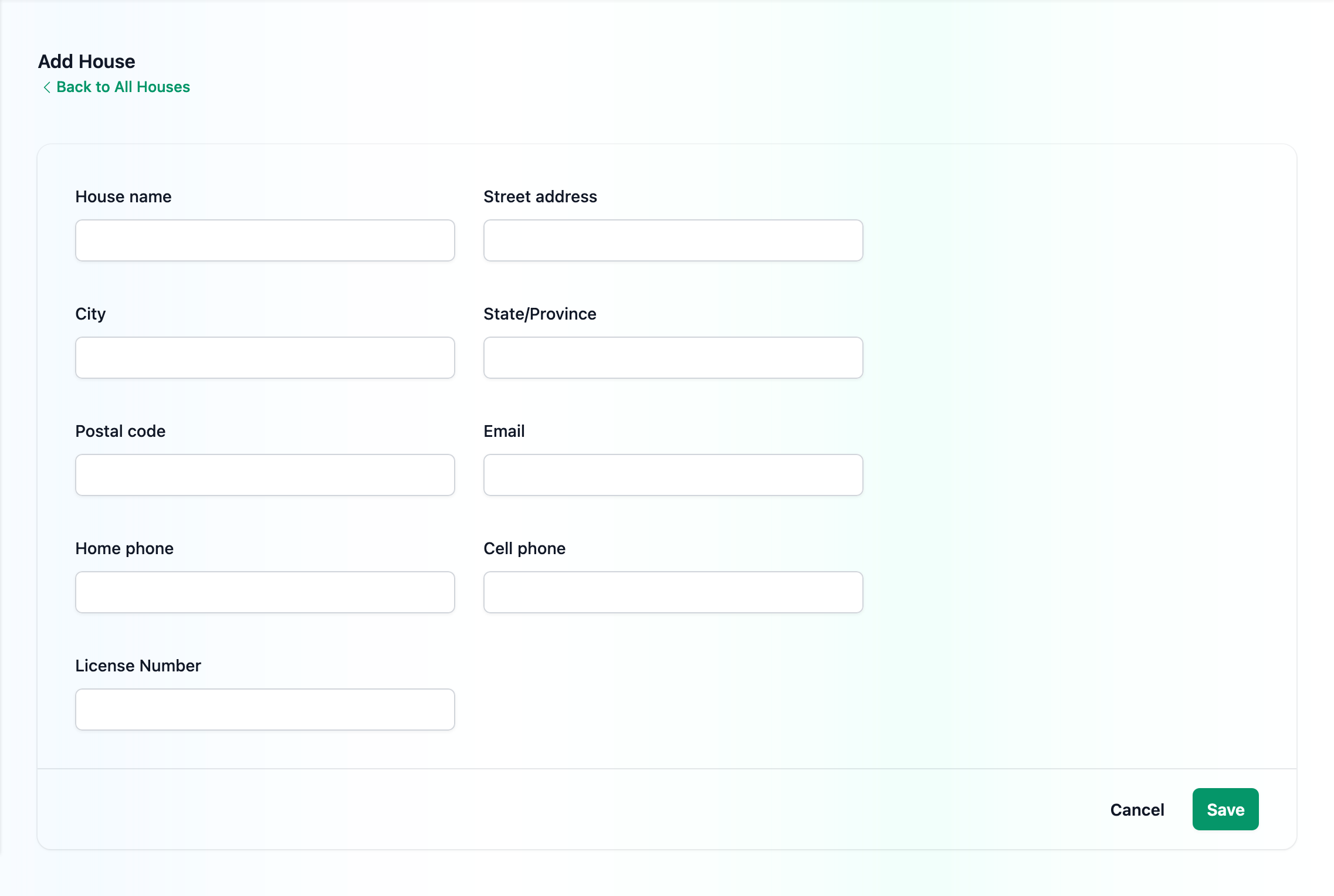
Enter in details like the Name and contact information. Don't forget to click on Save when done!
Setting up your Programs
Programs in Nurture are the Programs or Services provided by your Agency. You can assign Clients to a Program - which would then create a Client Program for their profile.
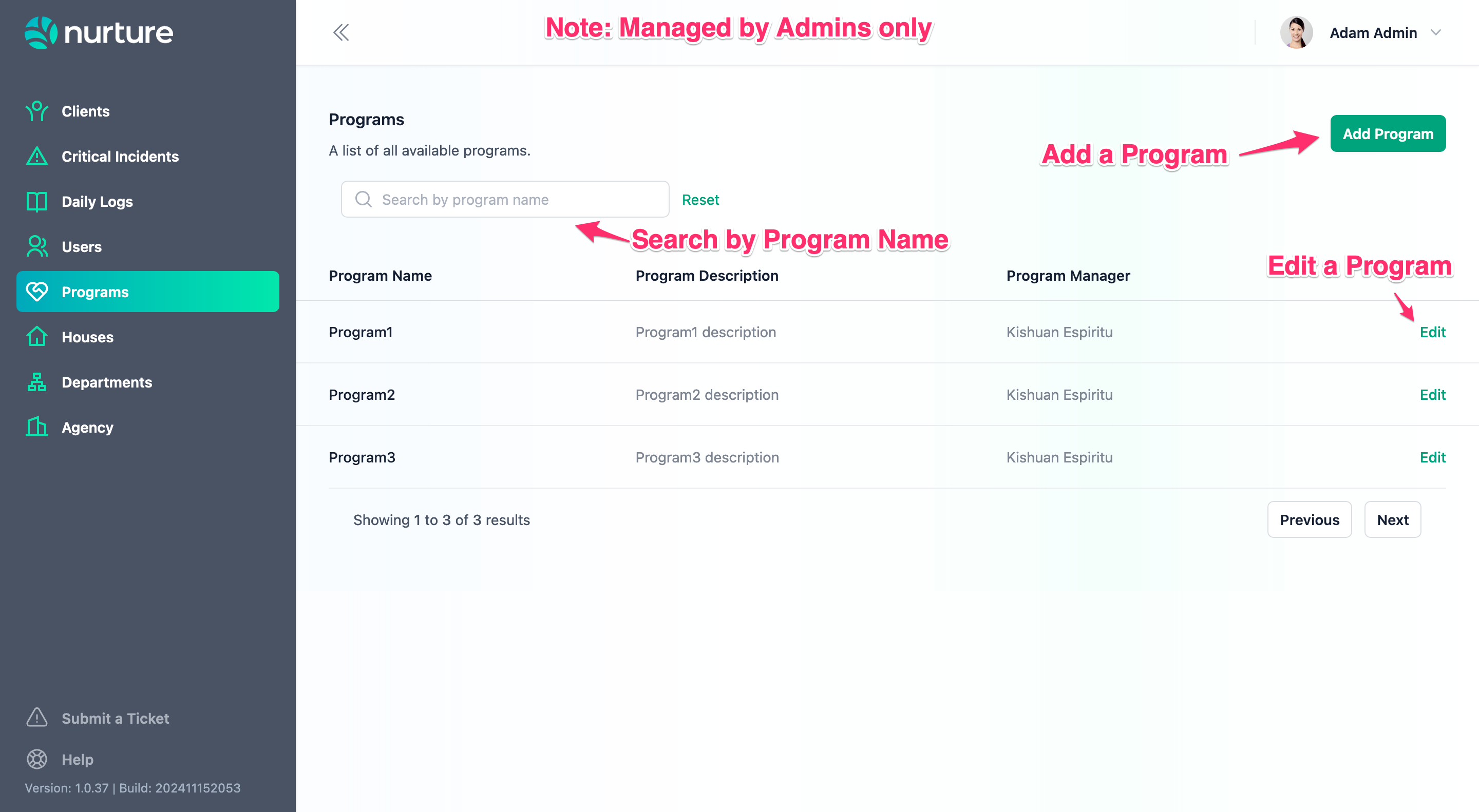
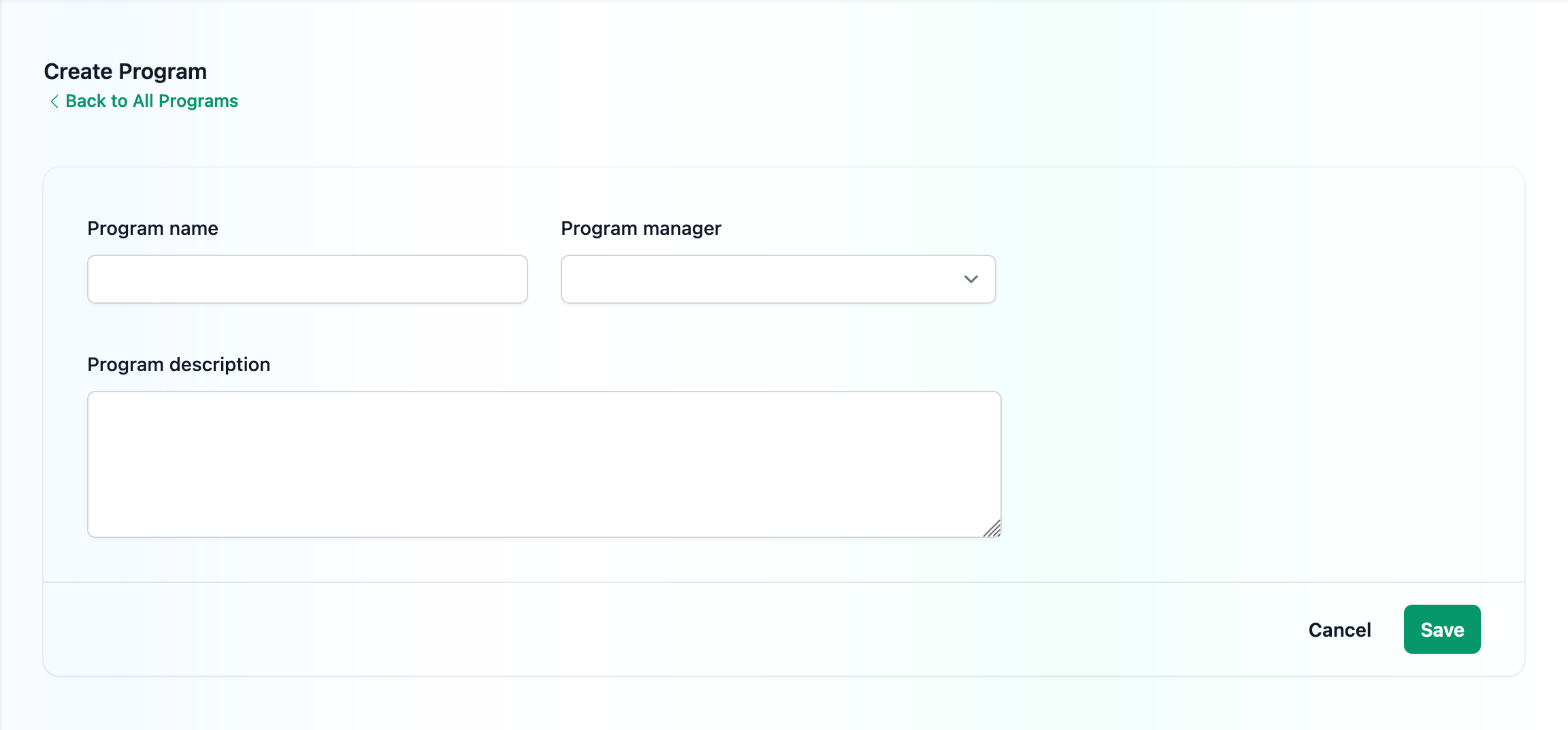
Note: You will need to set up a Program Manager user at this point.
Setting up your Clients
There are a number of User Roles with capabilities to manage clients. These include:
Admins
Supervisors
Senior Supervisors
Program Managers
Service Excellence Manager
People & Culture Manager
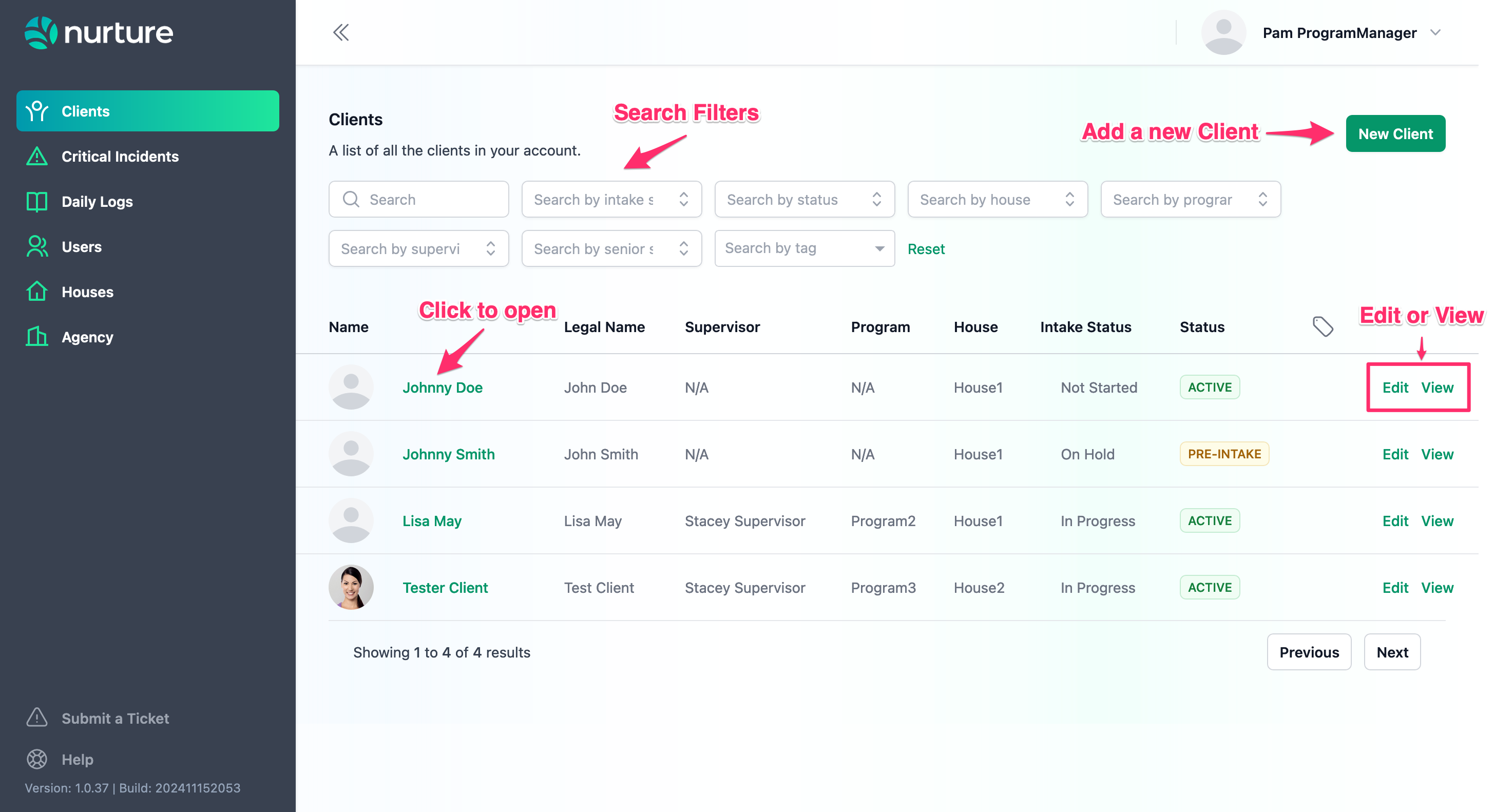
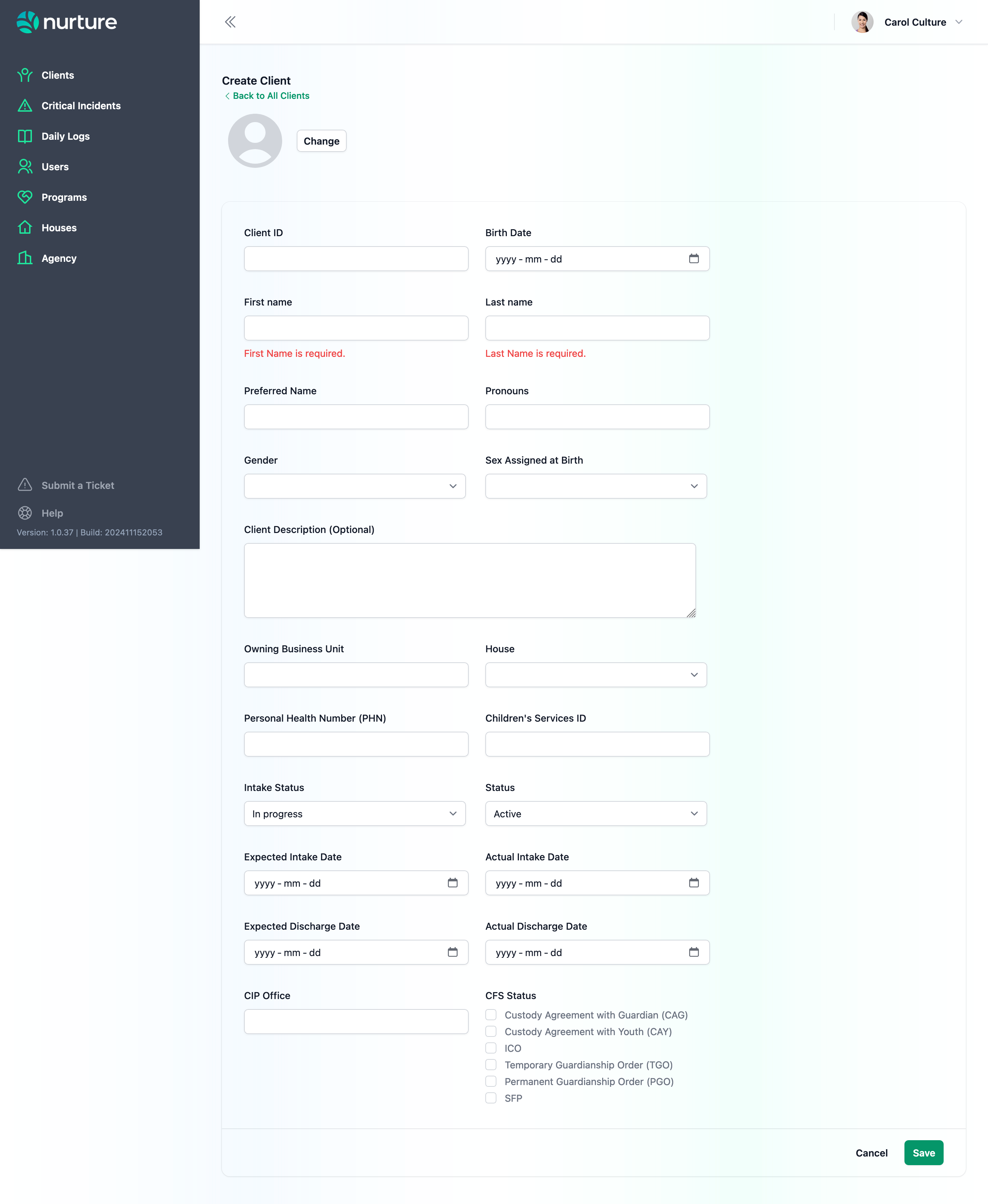
There are a number of fields available to fill client information. Only the First and Last Name are required to create a Client.
Setting up your Client Program
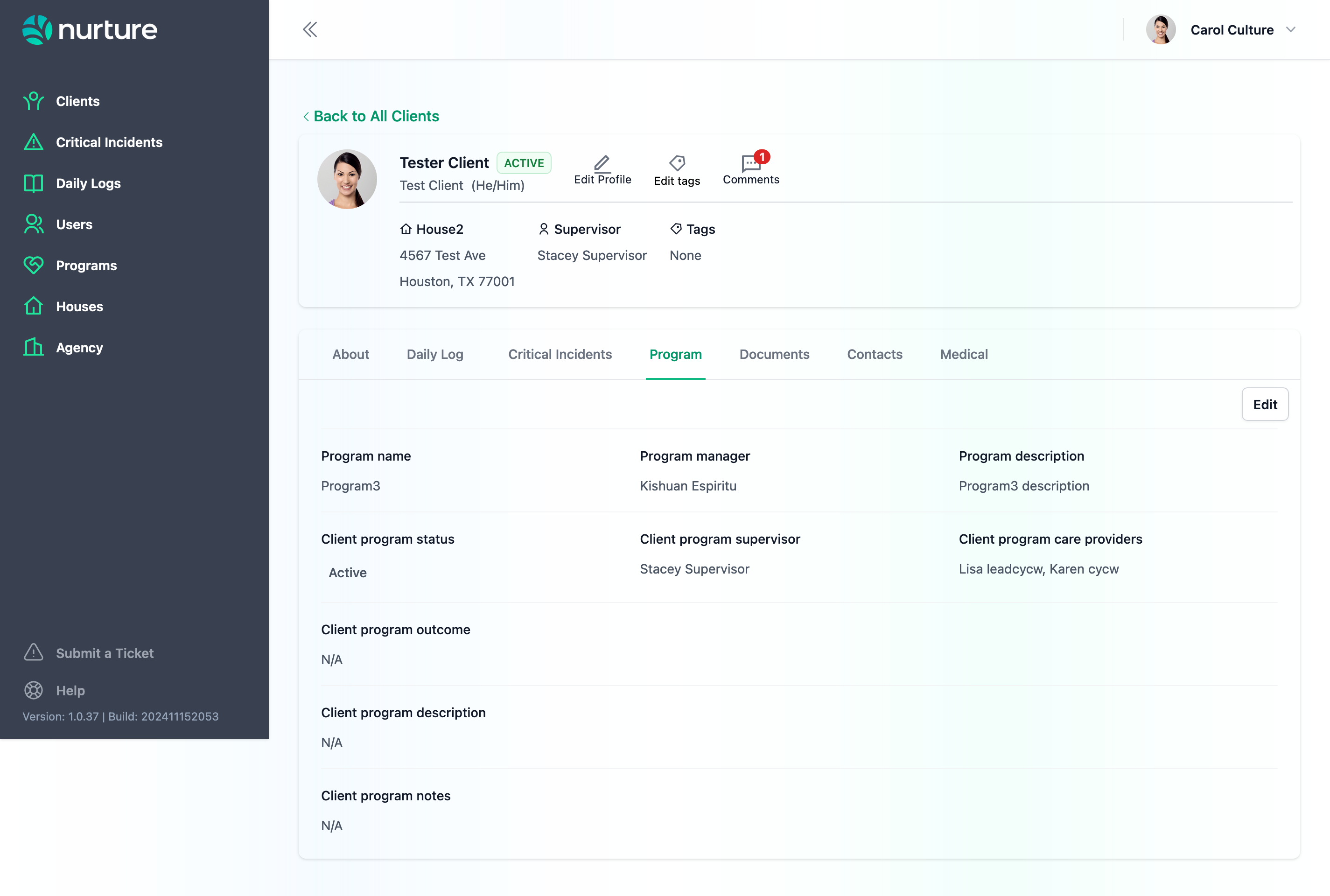
Every Client must be associated to a specific Program. Within their individualized Program, they will also have a team of caregivers/Care Providers.
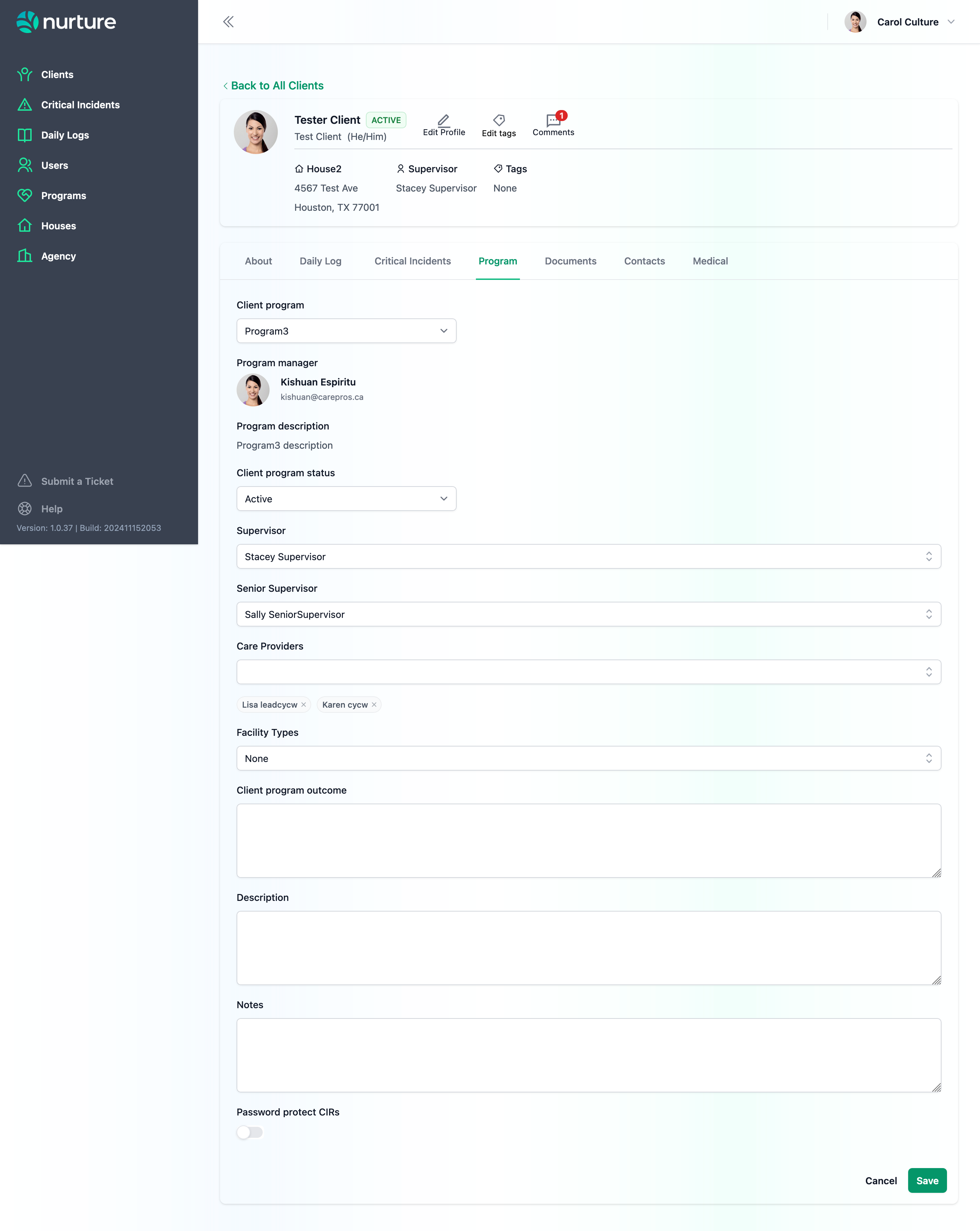
You can add Supervisors, Senior Supervisors, and Care Providers to your Client Program.